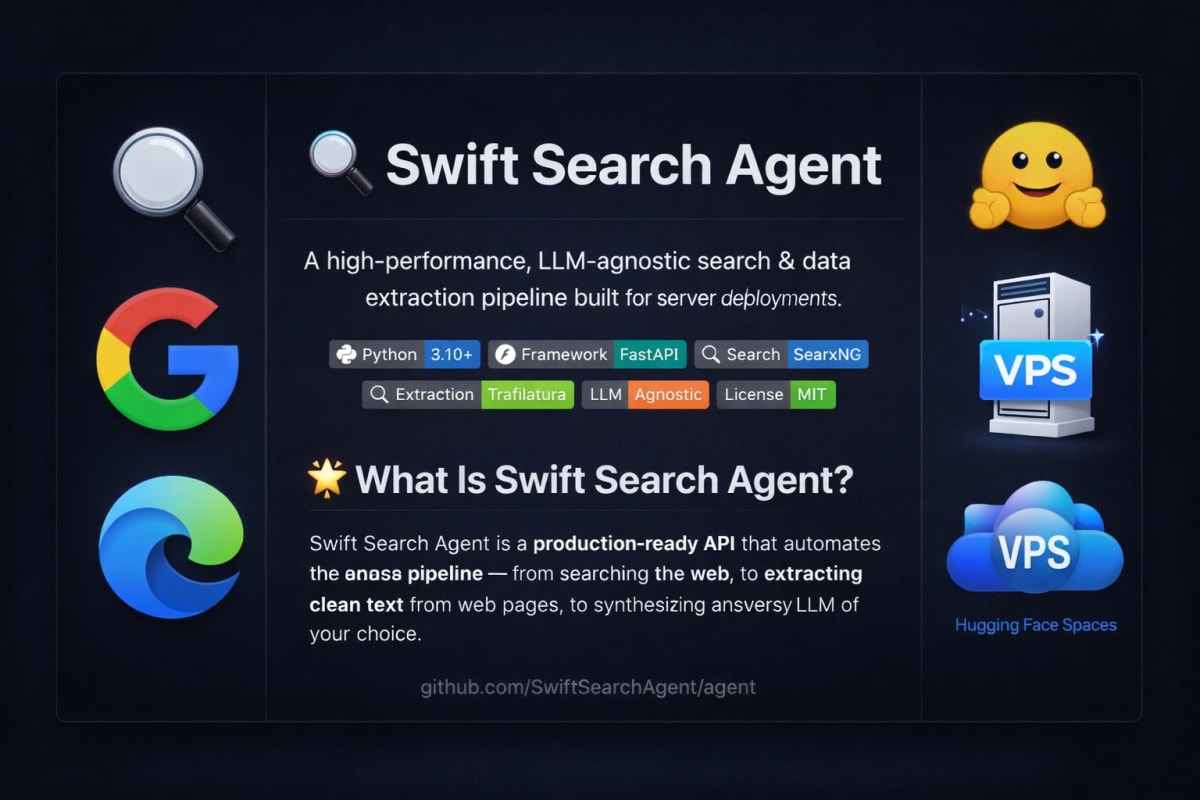
A few days ago, I shared details about the custom search engine integration I built for Rising Chat AI. That upgrade allowed Rising Chat AI to reliably scan over 50 sources at once to provide deeper and more accurate answers. Today, I am making the core code behind that upgrade public. It is called Swift Search Agent.
If you want to give an LLM access to the live internet, many current tools like Perplexica, Farfalle, and Danswer are excellent. However, they can be heavy, requiring 3GB to 5GB of RAM to run their websites and databases. Additionally, when using these tools to feed data to your own LLM, they often pass along hidden website bloat—like invisible ads, navigation menus, and cookie banners. This wastes your API tokens and makes the AI's final response less accurate. Furthermore, while those tools are great for local use, deploying them on a server or VPS often leads to search engines detecting them as bots and blocking the IP.
Swift Search Agent is designed specifically for VPS and servers (though it works perfectly locally too). It handles these blocks so your server maintains access. It is an extremely lightweight pipeline, needing only 0.5 GB to 1 GB of RAM. You can even deploy it for free on Hugging Face to create your private search server. If needed, it has the capacity to comfortably pull data from 200 to 300 sources at once.
Why this is useful:
- Server-Ready & Zero Bloat: Runs smoothly on just 0.5 GB RAM and avoids getting blocked on a VPS.
- Saves Tokens and Removes Ads: Unlike other tools that might accidentally pass web junk to the LLM, Swift Search Agent strictly strips out all ads, sidebars, and pop-ups. It gives the AI only the actual clean text.
- Faster & Cheaper: By removing the web junk, it saves processing power, lowers API token costs, and helps the AI stay highly accurate.
Right now, it is a background tool, but I am currently building a simple, lightweight user interface. This upcoming UI will be designed for everyone—providing a good experience for regular users while being fully accessible and comfortable for visually impaired users, all while keeping memory usage very low.
I will be actively maintaining this project. If it ever encounters an issue or stops working due to web changes, I will update and fix it to keep it functional. Full, step-by-step guidance on how to clone, set up, and use the agent is clearly detailed inside the repository so there is no confusion.
Check out the project and get the code here: https://github.com/SandeepAi369/Swift-Search-Agent