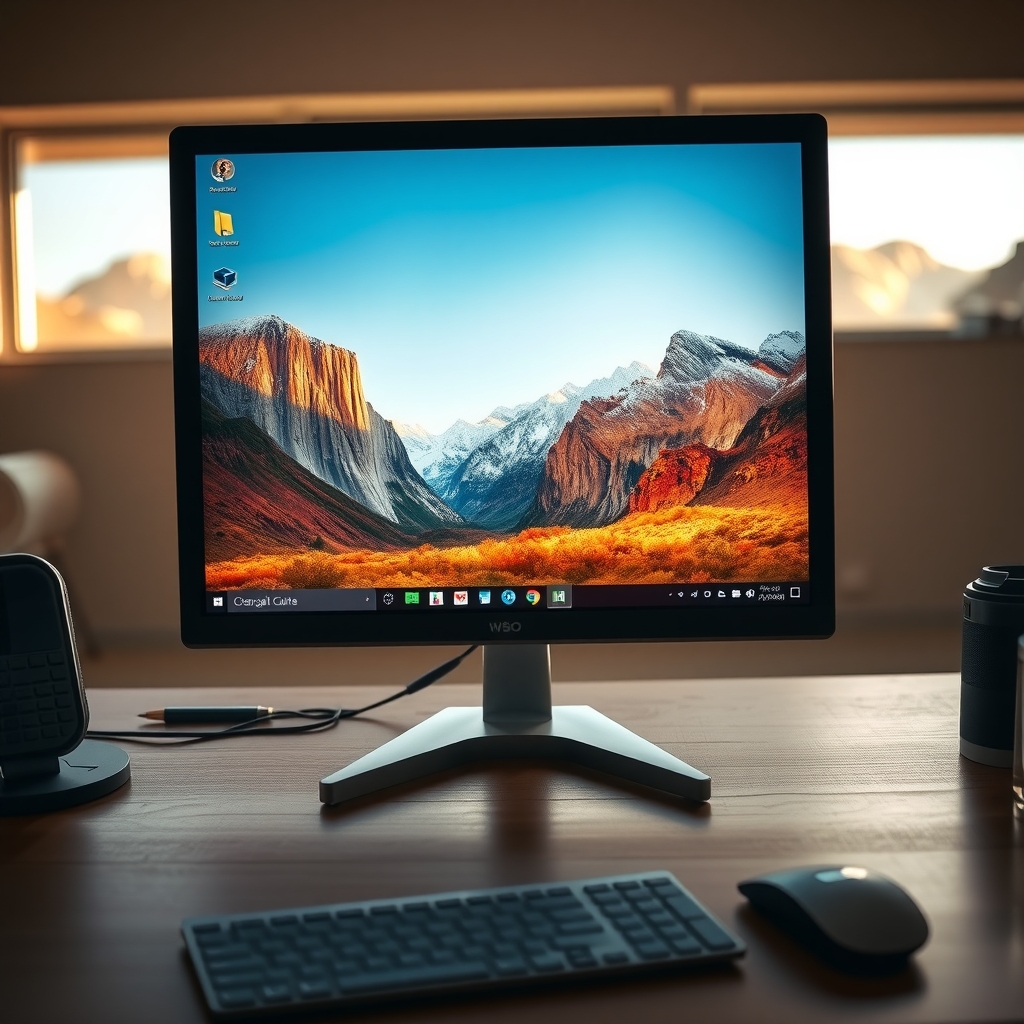
Windows 11 Enables Users to Set Any Image as Explorer Background
Windows 11 – A step‑by‑step guide shows how users can replace the default Explorer pane color with any personal picture, detailing the required registry edit and folder view settings.
Registry Editor – The article warns to back up the registry before changing the “DesktopBackground” key, then explains how to navigate to the correct path and input the image file path, ensuring the change appears instantly after restarting Explorer.
User Experience – By applying a chosen photo, the guide claims the desktop feels more personalized, and includes screenshots of before and after views, helping users verify the result without third‑party software.
Customization Benefits – The tutorial notes that personalizing Explorer can improve workflow efficiency by making frequently used folders visually distinct, and suggests using high‑resolution images to avoid pixelation, while reminding readers that Windows updates may reset the setting.